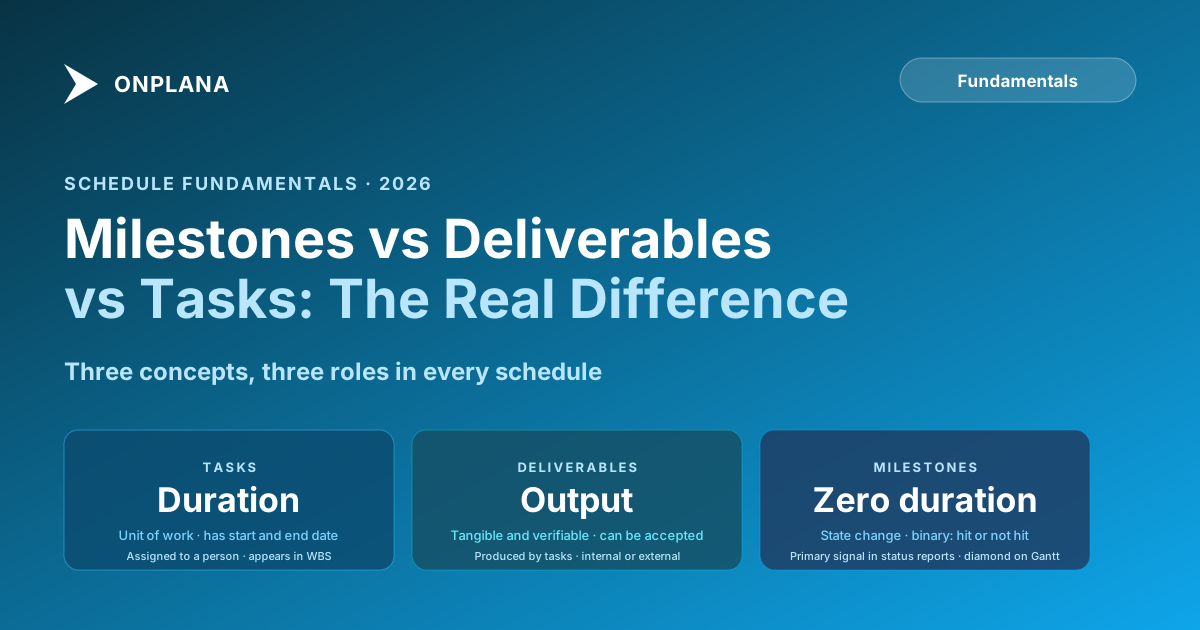
Milestones, Deliverables, and Tasks: What's the Difference, Really
Calling the wrong thing a milestone corrupts status reports. Learn to distinguish milestones vs deliverables vs tasks with clear definitions and examples.
A project milestone is not a task. It is not a deliverable. It is a checkpoint that verifies a state change has occurred. That distinction sounds academic until you look at a status report built by a team that treats every task as a milestone, where the milestone list has forty items, twelve of which are overdue, and nobody on the steering committee can tell whether the project is in trouble or not.
The confusion between these three concepts is not a terminology problem. It is a structural problem that corrupts reporting, distorts schedule analysis, and produces the specific kind of status meeting where senior stakeholders walk out less informed than when they walked in.
TL;DR. A task is a unit of work with a duration. A deliverable is a tangible output produced by that work. A milestone is a checkpoint verifying a state change, typically with zero duration. Each serves a different function in your schedule and status report. Mix them up and your reporting becomes noise.
Defining each term precisely
Start with clean definitions before looking at how they interact.
A task is a unit of work that consumes time and resources. Tasks have a start date, an end date, and duration. They are assigned to people. They appear in your work breakdown structure as the leaves: the activities your team actually executes. "Write the requirements document," "configure the integration," "conduct user acceptance testing" are tasks.
A deliverable is a tangible, verifiable output. Deliverables are produced by tasks; they are not the tasks themselves. "The requirements document" is a deliverable. "The configured integration environment" is a deliverable. "User acceptance testing passed" is not a deliverable; it is a state (and it would make a good milestone). A deliverable can be internal (produced for the project team) or external (delivered to a client or sponsor). The key property of a deliverable is that it can be inspected, reviewed, and accepted or rejected.
A milestone is a checkpoint that marks a state change in the project. Milestones have zero duration. They are binary: either the state has changed or it has not. "Requirements document approved by sponsor" is a milestone. "Phase 1 complete" is a milestone. "Go-live" is a milestone. A milestone does not produce anything; it verifies that something has been produced and accepted.
The relationship between the three: tasks produce deliverables, and milestones verify that deliverables (or sets of deliverables) have been completed and accepted to a sufficient standard to move forward.
Why this distinction matters for status reporting
The reason this matters beyond terminology is that milestones are the primary signal in a status report. When a sponsor or steering committee reviews project status, they are not looking at the task list. They are looking at milestones: which ones are complete, which are upcoming, and which are at risk.
If your milestone list contains forty items, most of which are individual tasks dressed up as milestones, the list loses its signal value. The sponsor cannot distinguish between "Requirements document draft complete" (a task output) and "Requirements approved by sponsor" (a genuine state change). Both appear as overdue milestones with equal visual weight.
Milestone inflation is the most common cause of status report confusion in projects with more than twenty tasks. It happens when project managers are taught to put everything on a milestone list without being taught what a milestone actually is. Every week, tasks fall off the schedule, they show up as overdue milestones, and the status becomes noise.
The discipline of goals, milestones, and status reporting covers the full reporting structure in detail. The foundation of that structure is a milestone list with genuine signal: fifteen or fewer milestones for a six-month project, each one marking a meaningful state change, not an activity.
The Status Report Writer tool can help you build status reports from a clean milestone structure, but it cannot fix a milestone list that contains tasks. Getting the structure right first is the prerequisite.
What a task looks like vs what a milestone looks like
The confusion between tasks and milestones is easiest to see in real examples. Here are common items that get classified incorrectly and what they should be:
Incorrectly treated as a milestone: "Begin user acceptance testing." This is a task, or more precisely it is the start of a task. It has duration. Nothing has been verified.
Correctly treated as a milestone: "User acceptance testing complete and sign-off received." This is a state change. It is binary. The project cannot proceed to the next phase without it.
Incorrectly treated as a milestone: "Requirements document draft submitted." This is a deliverable handoff. The document exists, but it has not been reviewed or approved. Nothing has changed state yet.
Correctly treated as a milestone: "Requirements document approved by product owner." This is a state change. Approval has been given. The team can proceed to design.
Incorrectly treated as a milestone: "Weekly status meeting held." This is a recurring task. Nothing about the project state has changed because a meeting happened.
Correctly treated as a milestone: "Steering committee approves scope change #3." This is a decision that changes project state. Something is now different because this happened.
The pattern in each case: a milestone describes a condition that is now true, not an activity that took place. "Testing complete" is a condition. "Conduct testing" is an activity.
The six-dimension comparison
The table below puts the three concepts side by side across the dimensions that matter most for schedule management and reporting.
| Dimension | Task | Deliverable | Milestone |
|---|---|---|---|
| Duration | Has start date, end date, and duration | Produced at a point in time; may have a deadline | Zero duration; a single point in time |
| Assigned to | Named person or team | Owned by a responsible party for acceptance | No owner in the same sense; it either happened or not |
| Appears in WBS? | Yes, as a leaf node | Yes, as a work package output | Not typically; appears in the milestone schedule |
| Primary function | Decompose work into executable units | Define the tangible outputs of the project | Signal state changes in the schedule |
| Status in reports | % complete or effort remaining | Accepted/rejected/pending review | Hit/not hit/at risk |
| Gantt chart symbol | Horizontal bar with duration | Often noted as a bar endpoint or annotation | Diamond at a point in time |
| Can precede another item? | Via finish-to-start dependency | Via acceptance handoff | Yes; milestones often gate subsequent phases |
How the three relate on a real timeline
The following diagram shows the relationship between tasks, deliverables, and milestones on a simplified project timeline. Tasks feed deliverables; milestones verify that deliverables have been accepted.
The three most common mistakes
Milestone inflation. Every task becomes a milestone. The milestone list grows to fifty items. Status reports show twenty overdue milestones. Sponsors cannot tell signal from noise.
The fix: strip the milestone list back to state changes only. For a typical six-month project, ten to fifteen milestones is the right range. If you have more than that, most of them are tasks.
Milestones as activities, not outcomes. "Begin deployment" is an activity. "Deploy to production" might still be an activity (it has duration). "Deployment verified and production system stable" is a state change.
Write each milestone as a condition: something that is now true. If you cannot phrase it as a condition, it is not a milestone.
Deliverable-task confusion. The task "create the design system" and the deliverable "design system" are not the same thing. The task is the work; the deliverable is the output of the work. This distinction matters when you are building your work breakdown structure, because deliverables live at the work package level and tasks live at the activity level beneath them.
When teams build a WBS with tasks instead of deliverables at the work package level, the WBS becomes activity-oriented rather than output-oriented. The consequence is a schedule where you cannot easily answer "what are we producing this month?" without reading through all the task names.
How to audit your current schedule
Run this check on any existing project schedule in under twenty minutes:
- Filter your schedule to show only items flagged as milestones. Count them.
- For each milestone, ask: does this describe a state change? If it describes an activity (begins with a verb like "conduct," "prepare," "submit"), it is a task, not a milestone. Move it.
- For each deliverable in your schedule, confirm there is a corresponding milestone that marks acceptance of that deliverable. If the deliverable is "requirements document" there should be a milestone like "requirements document approved." If there is no acceptance milestone, who verified the deliverable was accepted?
- Look for milestones with duration. A milestone with a two-week duration is a phase or a task. Set its duration to zero or reclassify it.
Once your schedule has clean milestone structure, status reporting becomes mechanical. Your status report at any point in time shows: milestones hit this period, milestones upcoming in the next two to four weeks, and milestones at risk with a brief explanation. The PRINCE2 framework defines a milestone as a significant point or event in a project, confirming the zero-duration rule and the state-change framing used throughout this post.
Run the free Status Report Writer Build a clean status report from your milestone list in minutes. No signup required. → Open the tool
Ready to make the switch?
Start your free Onplana account and import your existing projects in minutes.